
Most privacy incidents do not begin with someone proudly uploading production_customers.csv to GitHub and announcing it in Slack. They begin with a copy.
A copy in staging. A copy in CI fixtures. A copy on a developer laptop. A copy in a bug ticket screenshot. A copy in that one shared drive folder called temp_final_REALLY_FINAL, because apparently every organization has to maintain a small haunted forest.
Everyone agrees on the sermon: do not use real personal data in non-production environments.
Lovely. Correct. Frequently useless.
Because the moment someone says “use synthetic data,” the real question is: synthetic how?
A lot of synthetic-data tooling learns the shape of your real data from your real data. That may be useful for analytics, simulation, or model training. But for privacy, it leaves you arguing about memorization, resemblance, linkage, re-identification, and whether the fake thing is still dragging a little production-data ghost behind it.
SafeSeed takes the boring, defensible path: it never lets production data into the room.
Every PII-shaped value comes from a range reserved for non-real use, designated for testing, or built to be unmistakably fake. Documentation emails. Documentation IPs. Test card numbers. Fictitious phone ranges. Values designed to be useless to attackers and uninteresting to regulators for the best possible reason: they were never about a person in the first place.
Anonymous from the first keystroke, not scrubbed after the fact.
Quick start

Four honesty tiers
Not all fake data is equally fake. Sounds obvious, until someone hands you “synthetic” records generated from production data and asks whether the privacy risk is gone. The risk is not gone. The risk is still in the room, standing in the corner, smiling smugly in his knockoff Ray-Bans.
SafeSeed labels every value with the strength of claim it actually earns.
Provably non-real
The strongest claim: these values are set aside by published standards, so they can never belong to a real person or system. Think RFC 2606 email domains, RFC 5737 documentation IPv4 addresses, and RFC 3849 documentation IPv6 addresses. Protocol-level boring. Beautifully boring.
Reserved, never issued
The practical claim: these values are valid in format, but the issuing authority sets them aside and never assigns them. Examples include NANPA 555-01xx fictitious numbers and never-issued SSN ranges. Strong, but different: the safety comes from issuer policy rather than protocol impossibility.
Designated for testing
The sandbox claim: these are real-looking values published by payment processors or platforms for testing. A test card number may pass a checksum and look like a card, but real processors are configured to reject it. It is fake by agreement, not fake by physics. Tiny legal goblin, big consequences.
Structurally fake
The honest fallback: no standards body reserves human names or street addresses. SafeSeed uses obviously synthetic structures like TEST_Person_000142 and 123 Example Way instead of plausible random people. Hope is not a privacy control. This tier does not claim impossibility. It claims disciplined obviousness.
Live demo
Run the whole loop yourself, right here: generate data that's fake from the ground up, fingerprint it, prove it hasn't changed, then audit a file you already have. Nothing ever leaves the browser.
[[safeseed-proof]]
Wire it into CI/CD
Drop it into your pipeline and the build fails the moment the data drifts out of range or is tampered with.
# generate a committable fixture, offline and deterministic
npx safeseed generate --fields email:email,phone:phone,ssn:ssn,card:creditCard --rows 1000 --seed 1337 \
  --out fixtures/seed.csv --record fixtures/seed.record.json

# fail the build if it ever drifts out of range or is tampered with
npx safeseed verify --in fixtures/seed.csv --record fixtures/seed.record.json
Or as a required check in a GitHub Action:
# .github/workflows/ci.yml
- uses: advokat-frida/safeseed@v0.2.1
  with:
    data: fixtures/seed.csv
    record: fixtures/seed.record.json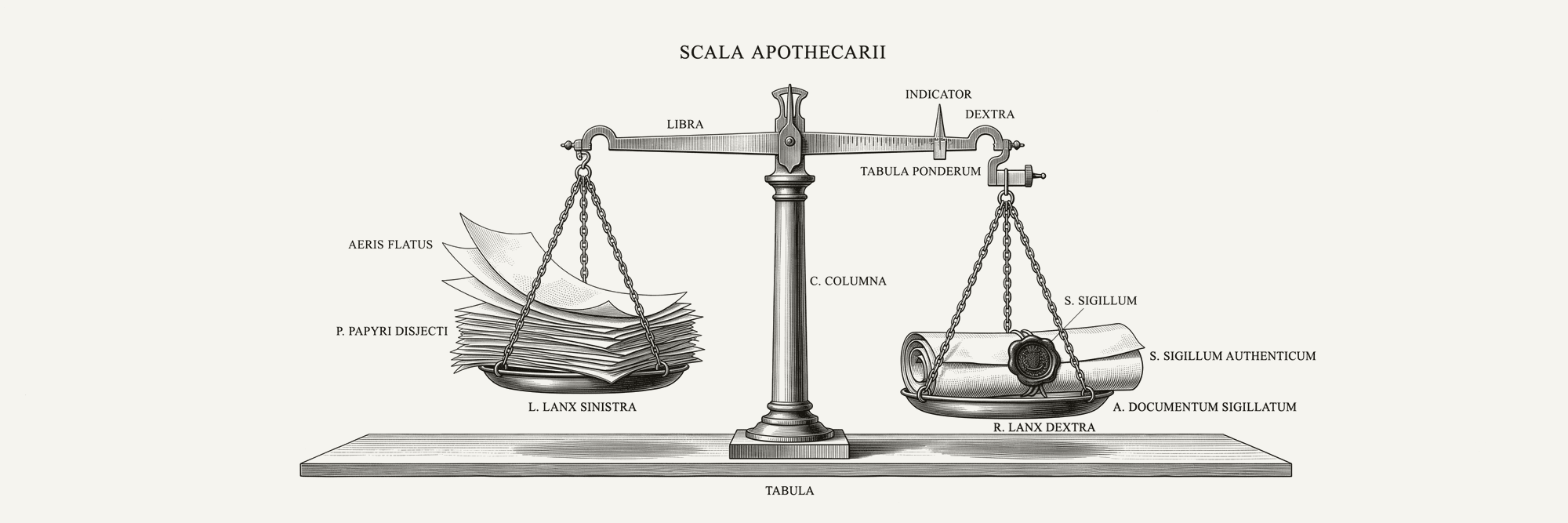
What it proves, and what it doesn't
What it proves
- Every value came from one of the four tiers.
- The values are anonymous on their own — they relate to no identifiable person (cf. GDPR Recital 26).
- A tamper-evident record binds that exact file by its content fingerprint.
What it doesn't
- It doesn't prove your environment is clean — no real data beside the file, no join to a prod snapshot.
- It isn't a lawful-basis or DSAR answer. A control, not a program-wide scope-out.
- It doesn't find or classify PII in your real data; it only vouches for what it made.
The one sentence to keep: "not derived from production data" is not the same claim as "not personal data." SafeSeed makes the first claim honestly, and never pretends to make the second.
Where this fits your program
SafeSeed is a control for non-production test data. Not a privacy program. Not a compliance strategy. Not a blessed amulet you tape to a staging database while pretending access controls are someone else’s problem. A control. A useful one.
| Obligation | What SafeSeed contributes | The honest limit |
|---|---|---|
| GDPR Art. 25 / 32 privacy by design; security of processing | Generates never-real test data; supporting evidence toward privacy-by-design and security-of-processing | Supports privacy by design and security of processing. Does not satisfy either article by itself. |
| ISO/IEC 27001:2022 Annex A 8.33 Test information | Evidence toward the "selected" and "protected" elements: never-real test data keeps real information out of test environments. | Does not address the "managed" duties: authorization, access control, retention, and deletion. |
| SOC 2 Confidentiality and data-handling in test environments. | Artifacts that support test-environment data-handling evidence | Map to your auditor’s exact criteria. Do not freestyle SOC 2 like it is jazz night. |
And the line you can lift straight into a control register or a DPIA:
Non-production test data is generated from standards-reserved non-real ranges (SafeSeed), with a tamper-evident run record (SHA-256 content fingerprint) and a verify/scan step run in CI to confirm files are unchanged and within reserved synthetic ranges. Supports a data-minimisation and privacy-by-design posture (GDPR Art. 25) and the "selected" and "protected" elements of ISO/IEC 27001:2022 Annex A 8.33; can form part of an Art. 32 measures narrative. It does not, on its own, satisfy these in full, address A 8.33's "managed" duties (authorization, access control, retention, deletion), or constitute anonymisation of production data.
The usual caveat, stated plainly: this is a practitioner's mental model and a how-to, not legal advice. Your facts, your counsel.
Questions a skeptic asks first
Is "designated for testing" actually a standard?
Sometimes yes, sometimes no, and that is why SafeSeed keeps it in its own tier. A Stripe test card number is official in the sense that the platform publishes it for sandbox use, but it is not the same kind of guarantee as an RFC-reserved documentation IP address. Useful? Yes. Same strength as provably non-real? No. Labels matter. Otherwise "synthetic" becomes one of those words vendors say while slowly backing away from the details.
Could a structurally fake value accidentally match a real person?
That tier does not claim impossibility. SafeSeed uses obvious synthetic structures like TEST_ prefixes and "Example" addresses to make coincidence extremely unlikely and easy to spot. More importantly, no real data enters the generator, so even a coincidental match carries no information about that person. If you need impossibility, use a provably non-real field type. If you need realistic names for a training simulation, SafeSeed is probably the wrong tool for that part of the job. A tool with limits. Scandalous.
My team wants to add its own columns. Won't that break verification?
Strict whole-file verification should break. That is the point. If a file is supposed to be a locked fixture, changing it should cause noise. Quiet drift is how "test data" becomes "whoops, production." When you intentionally add business columns, use column-scoped verification. SafeSeed can attest the generated synthetic columns and report the added columns as unattested rather than pretending it knows things it does not know. Pretending is for vendor webinars.
Does SafeSeed use encryption?
No. SafeSeed uses a SHA-256 content fingerprint. That is a one-way hash, not encryption. It proves whether the file changed. It does not keep the file secret. If someone can read the CSV, they can read the CSV. Please do not make the hash wear an encryption costume. It looks uncomfortable. The assurance comes from the combination of reserved-range generation, run records, verification, and open code.
How is this different from Faker?
Faker is great at making plausible fake-looking things. That is not the same as proving PII-shaped values came from cited non-real ranges. SafeSeed is not trying to be a general-purpose fake-data toy box. It is trying to be a privacy control with receipts. It ties PII-shaped fields to cited sources, labels the strength of each claim, generates a run record, verifies drift in CI, and refuses to blur its own limits. You can still use Faker for realistic non-PII fields. Let SafeSeed own the PII-shaped fields where the privacy claim matters. A little division of labor. Very civilized.
Get SafeSeed
SafeSeed is a CLI, a library, and a verify GitHub Action. No backend, no runtime dependency on a hosted service, and no reason to see your data. It runs locally because test data does not need to become SaaS confetti.
Install it with:
npm install safeseedOr read the source, inspect the standards, and kick the tires on GitHub.
—🦊
Catch something wrong, or just want to argue with me? hello@advokatfrida.com